Project scripts
Run the scripts of package.json, composer.json, deno.json, the Makefile or the justfile by hand, with their output in Joppa's terminal.
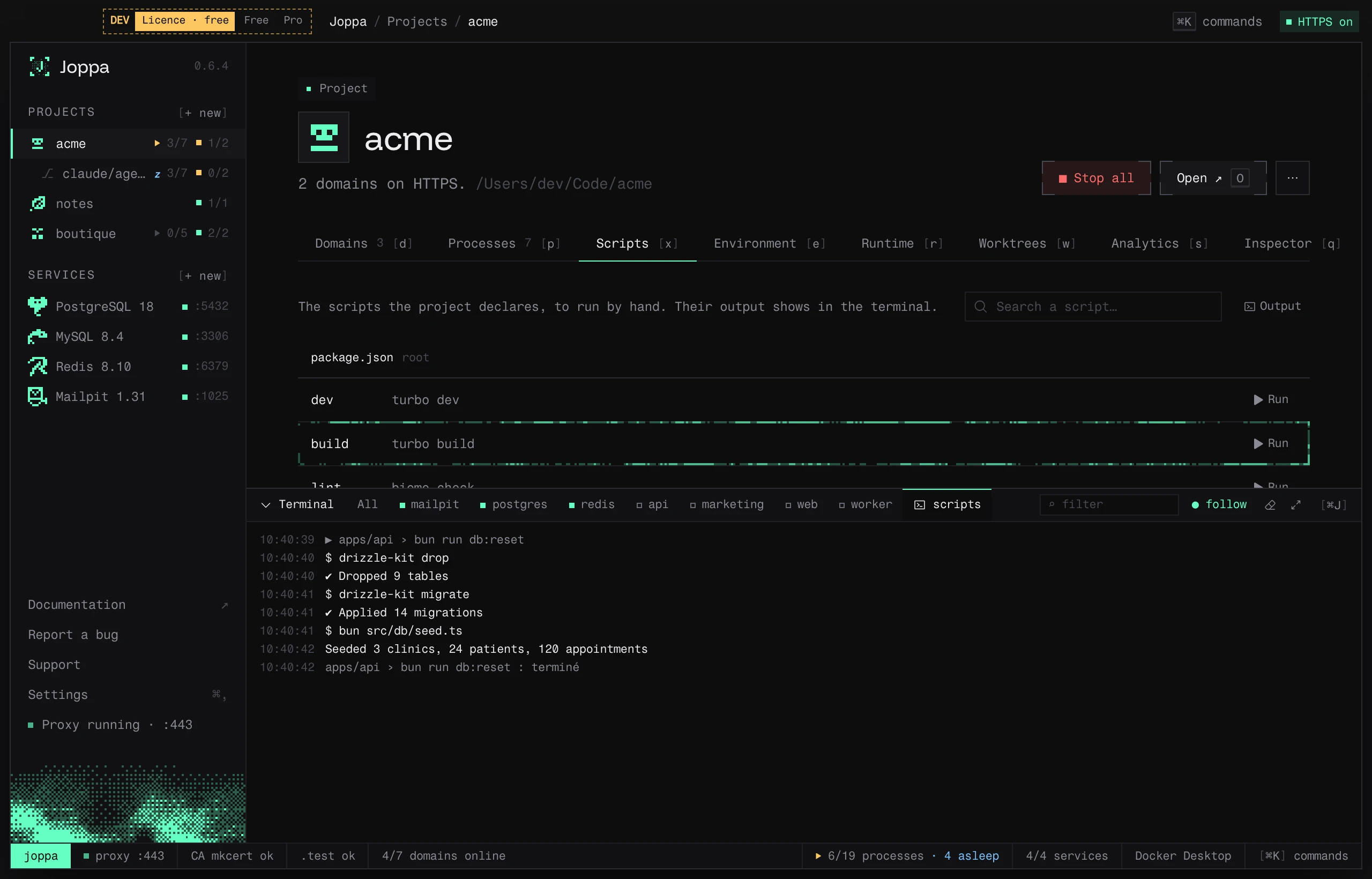
The Scripts tab (X) lists the scripts the project declares, with their command, and runs them in one click: db:reset, test, lint… without leaving Joppa.
What Joppa reads
| File | Scripts | Command run |
|---|---|---|
package.json |
scripts, at the root and in every package of a monorepo (workspaces, pnpm-workspace.yaml, lerna.json, Nx) |
bun run …, pnpm run …, yarn run … or npm run …, from the lockfile (else packageManager) |
composer.json |
scripts |
composer run-script … |
deno.json / deno.jsonc |
tasks |
deno task … |
Makefile |
its targets (without .PHONY or pattern rules) |
make … |
justfile |
its recipes (without those starting with _) |
just … |
Scripts are grouped by file and folder; a package’s script runs in that package’s folder. The list is read again each time the tab opens. Past a few scripts, a Search a script… field filters by name, command, folder or package.
Running a script
Run executes the command in the script’s folder and opens the terminal (⌘ J) on its scripts tab, where the output shows. The row shows running while it runs; Stop interrupts it. When it ends, the terminal says “done”, or “failed” with the exit code. The Output button opens the terminal on that tab again.
The same script runs once at a time; different scripts can run together. Quitting Joppa stops the ones still running.